
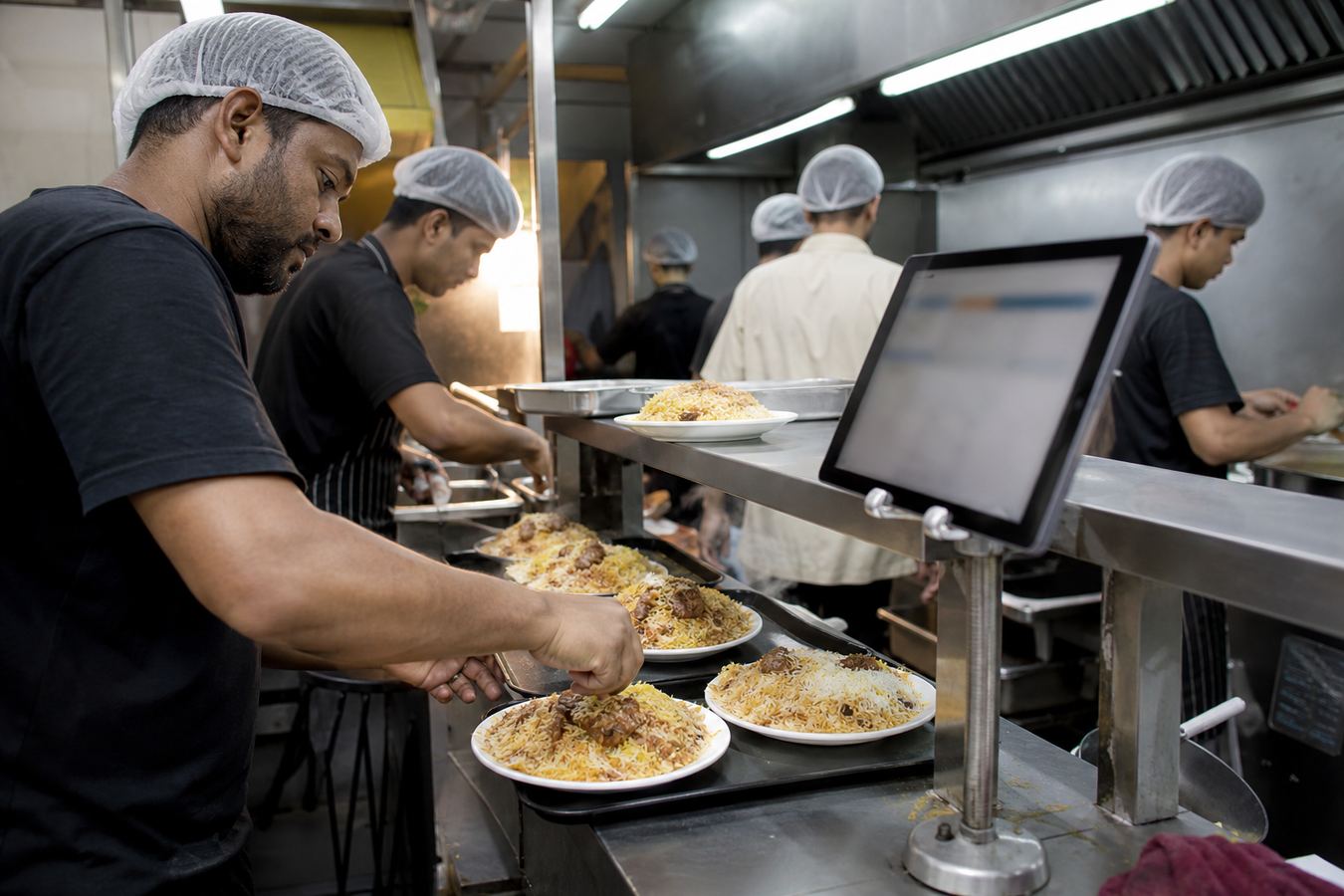
A kitchen display system (KDS) is a screen in the kitchen that shows live orders from the POS instead of (or as well as) paper tickets. Cooks bump items as they finish. In a Bangladesh restaurant rush, that cuts shouted tickets and lost slips. Riser POS includes KDS as part of the restaurant product, not a separate unnamed app.
Quick answer: A kitchen display system is a screen in the kitchen that lists live orders from the POS. Riser POS includes KDS for restaurants in Bangladesh. Keep a paper KOT printer as backup when power or network dies at the far station.
Written by Dimdul, House 10, Road 4, Kaderabad Housing, Mohammadpur, Dhaka-1207. Last updated: 1 September 2026.
What is a kitchen display system?
A kitchen display system (KDS) is software plus a screen that lists open kitchen tickets: table or order number, items, modifiers, and time since the order landed. Staff at the counter send the ticket from the POS. The cook sees it without walking to a spike.
It replaces or backs up the paper KOT (kitchen order ticket) printer.
KDS vs paper KOT
| Paper KOT | KDS | |
|---|---|---|
| During a rush | Tickets fall, overlap, or fade | Queue stays on one screen |
| Modifiers (“no onion”) | Handwriting | Same text the waiter typed |
| Timing | Nobody knows which ticket is oldest | Elapsed time is visible |
| Load-shedding | Paper still works | Screen needs power or a charged tablet |
| Cost | Cheap printer + rolls | Cheap tablet + stand, or a used monitor |
Keep the KOT printer as backup. Use KDS as the main line. That pairing is what actually survives a Friday night in a small Dhaka kitchen.
Who needs a KDS in Bangladesh
Need it: any kitchen with more than one cook, or a pass that already argues about which biryani was first. Cloud kitchens packing bags for riders need a screen more than a floor plan. See cloud kitchen POS.
Can wait: a one-person tea stall where the same person takes money and pours tea. A phone at the kettle is enough. See cafe and tea stall POS.
How Riser POS uses KDS
Riser POS is Dimdul’s restaurant POS. The product lists kitchen display alongside orders, tables, QR menu, and inventory. Counter staff take the order on Windows, Android, or tablet. The kitchen screen shows the ticket.
Setup is Dimdul’s job (৳5,000 install includes training, August 2026). You still provide the kitchen device. A used Android tablet on a metal stand, facing the cook, is enough. Do not buy a full Windows PC for the fryer line unless you already have one.
Pair KDS with offline mode: if the internet drops, tickets should still appear on a local display. Test that with the cable pulled. If KDS is a web page on the shop Wi-Fi only, it will die with the router.
Hardware for a kitchen screen
| Piece | Practical choice |
|---|---|
| Screen | 8–10″ Android tablet, brightness high enough for a lit pass |
| Mount | Wall arm or stand, not a cutting board |
| Power | Dedicated socket + cheap UPS or power bank |
| Network | Prefer the same local setup Dimdul configures, not a random guest Wi-Fi |
| Backup | One KOT printer on USB from the counter |
Full device list: restaurant POS hardware in Bangladesh.
Training that actually sticks
On install day, run ten real tickets:
- Dine-in table with a modifier.
- Takeaway with a customer name.
- A void (item cancelled after send).
- A rush of five tickets in two minutes.
- Pull the internet and send one more.
If the cook cannot bump a ticket without asking you, training is not done. Dimdul includes training in the install fee. Use it on the kitchen side, not only the cashier.
Price context
Riser POS is ৳2,000 per month + ৳5,000 installation (published August 2026). KDS is part of that restaurant product, not a surprise line on the invoice. The tablet is yours. Riser POS pricing.
WhatsApp a kitchen demo: +880 1538-004738.
Frequently asked questions
A kitchen display system is a screen that shows live POS orders to the kitchen. Cooks see items, modifiers, and wait time, then mark tickets done. It reduces lost paper KOTs.
Yes. KDS is listed on the Riser POS restaurant product. You supply the tablet or monitor. Dimdul configures it during installation.
You can. A tablet is easier to read across a hot line. A phone works for a one-wok stall. Mount it. Do not leave it in a cook’s pocket.
Only if the tablet has battery or UPS, and the POS is still running in offline mode. Paper KOT is the fallback when both screens are dark.